Your data
Privacy
The full policy is in PRIVACY.md. This page is the practical summary.
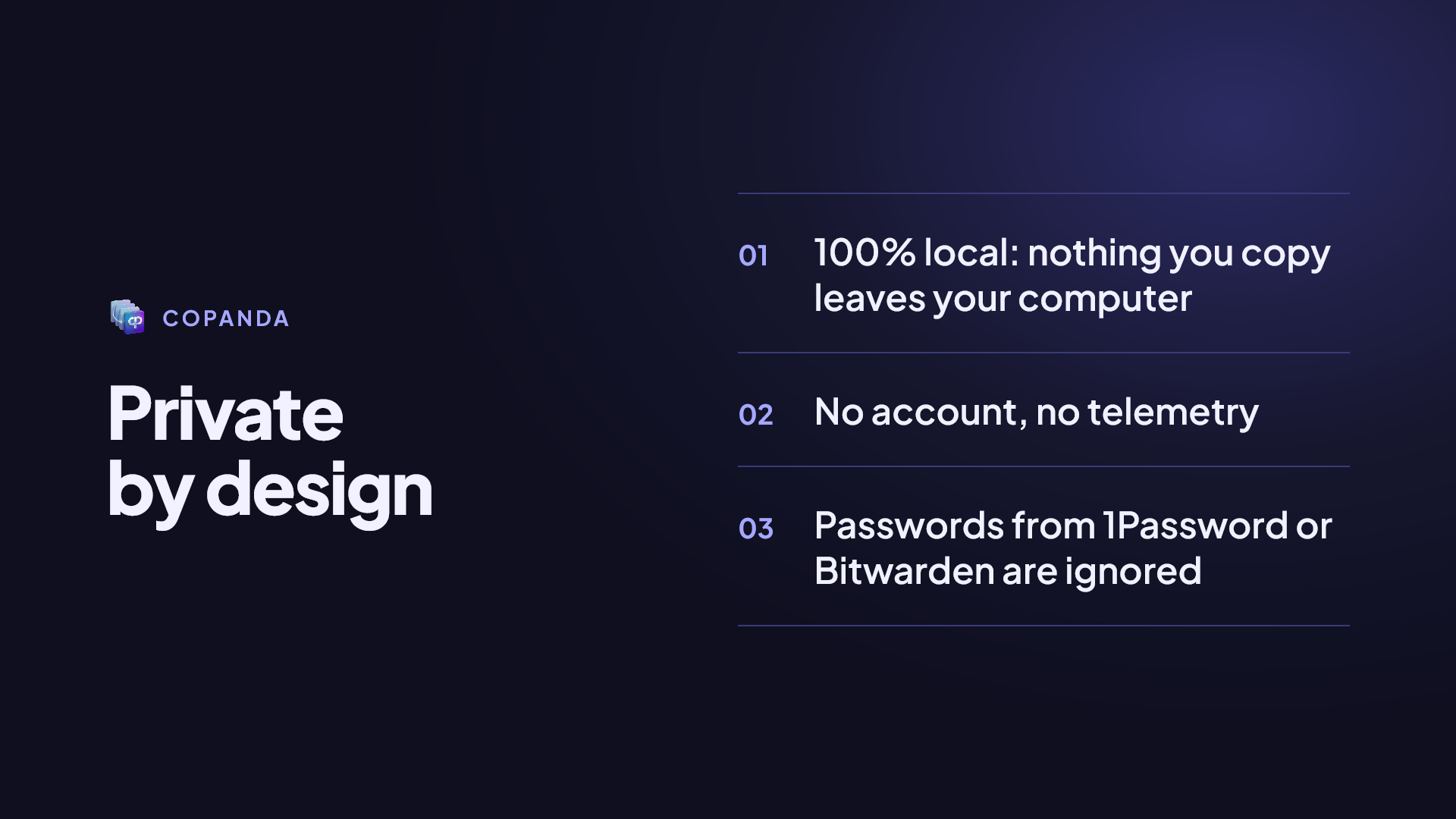
Everything stays on your computer. CoPanda has no accounts, no servers, no cloud, no telemetry and no analytics. That is not a marketing promise: the code is open, and you can read it or watch the network while you use it.
The full policy is in PRIVACY.md. This page is the practical summary.
What is stored and where
Everything lives in one folder, protected by your user account’s permissions:
- Windows:
%LOCALAPPDATA%\CopyPaste\ - macOS:
~/Library/Application Support/CopyPaste/
| What | Where |
|---|---|
| The text you copied, its kind and the formats it came with | history.db, blobs/ |
| Images and other large content, once each | blobs/ |
| For files and folders, only the path | history.db |
| The name and colour you gave a card | history.db |
| Which app each item came from | history.db |
| When you copied it, when you used it and how many times you pasted it | history.db |
| The text read out of images | history.db |
| Thumbnails | thumbs/ |
| Settings | config.toml |
| Logs: events and errors, never what you copied | logs/ |
What CoPanda does not store
When an app marks what it copies as secret, CoPanda does not even read it: it does not store it, process it or write it to disk. This is how password managers keep your passwords out of the history.
| System | Marker it honours |
|---|---|
| Windows | ExcludeClipboardContentFromMonitorProcessing, or CanIncludeInClipboardHistory set to 0 |
| macOS | org.nspasteboard.ConcealedType and org.nspasteboard.TransientType |
The limits, plainly:
- The marker is set by the other app, not by CoPanda. Most password managers set it, but it depends on each one, its version and its settings.
- Content that only looks sensitive is not detected: a password typed into a text file and copied from there is stored like any other text.
- Test it once with your password manager: copy a password and check that it does not show up in the panel. Ten seconds, and it tells you more than any list.
If something sensitive slipped in, select it and delete it with Delete (⌘⌫ on a Mac). Tokens have a kind of their own, so #token shows them all together.
The only network request
CoPanda makes one kind of request, to find out whether a newer version exists:
- When: at most once a day, only when you open Settings › About, or when you press Check now. Never in the background.
- What: it downloads a small public file from GitHub with the number of the latest version. No data of yours is sent.
- Update: the installer is downloaded only when you press Update. Its signature is checked against a public key built into the app before anything is installed.
- Microsoft Store: nothing is checked; the Store delivers its own updates.
The links in Settings › About (repository, sponsoring, etc.) and the ones you open from a card are opened by your browser because you clicked them; CoPanda does not make those requests.
Text in images, without the cloud
The text in your screenshots is read by the operating system itself: Windows OCR on Windows, Apple Vision on macOS. Nothing is uploaded to any AI service or any server.
Logs and reports
The logs (logs/cp-gui.log and logs/cp-panel.log) hold application events and errors, never what you copied, and are not sent anywhere.
Settings › About › Save a report… puts the log, the version and your system into one file, with your user name and home folder blanked out. It is saved wherever you choose, and you attach it to a bug report only if you want to.
Windows clipboard history (Win+V)
CoPanda works separately from the Windows clipboard history. Your CoPanda settings do not change Windows’, and vice versa.
Deleting everything
See Backup and migration.